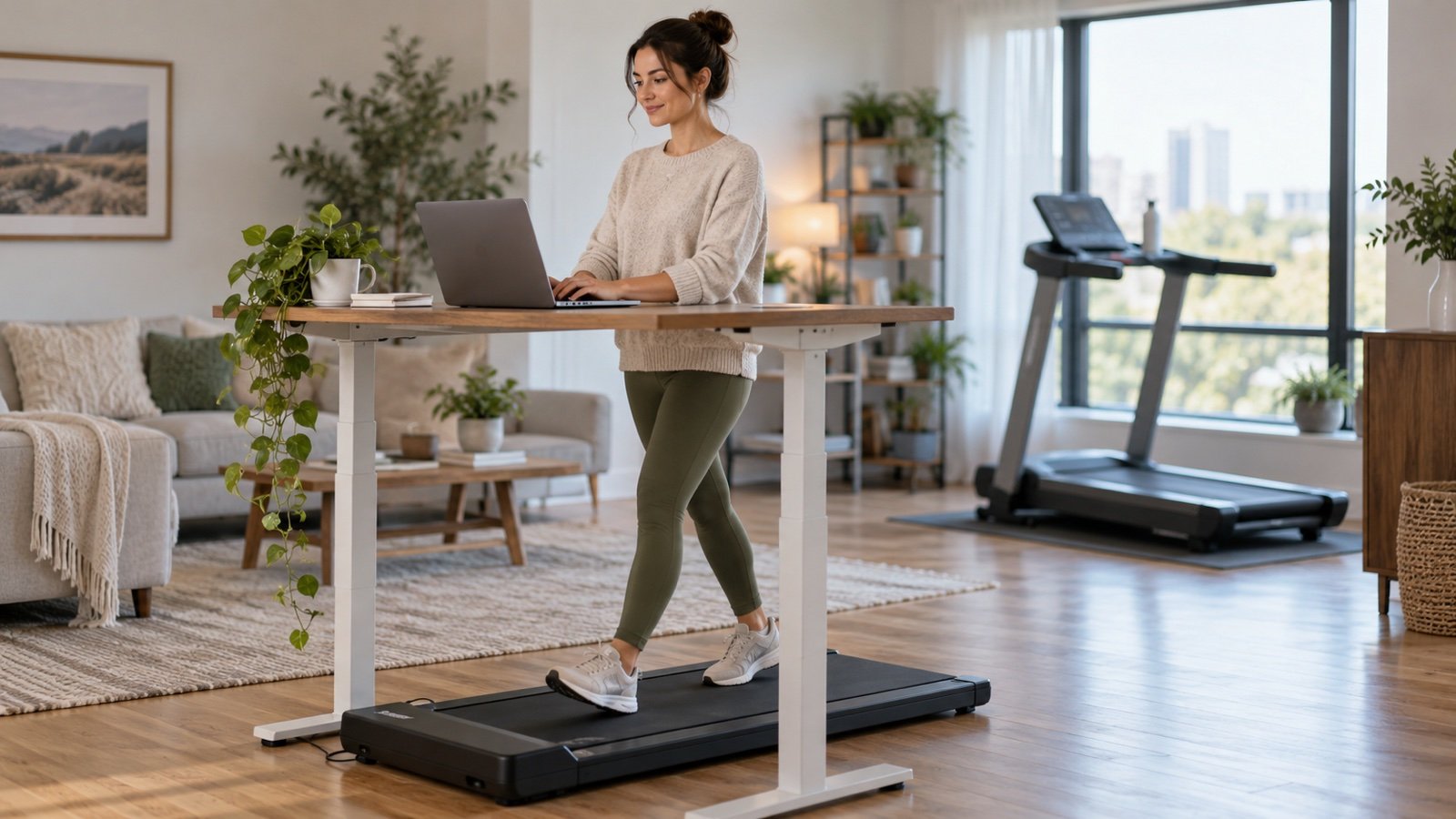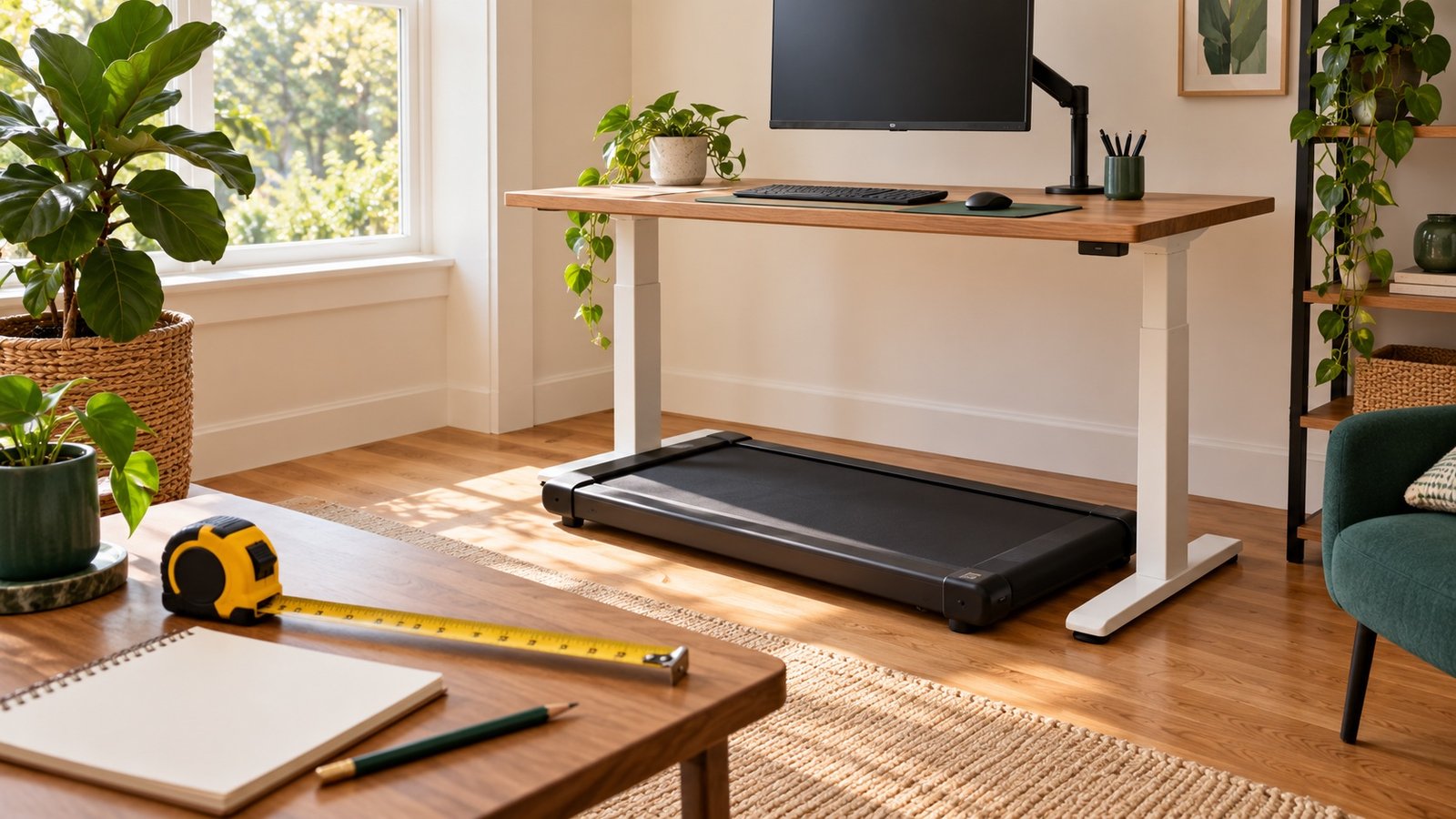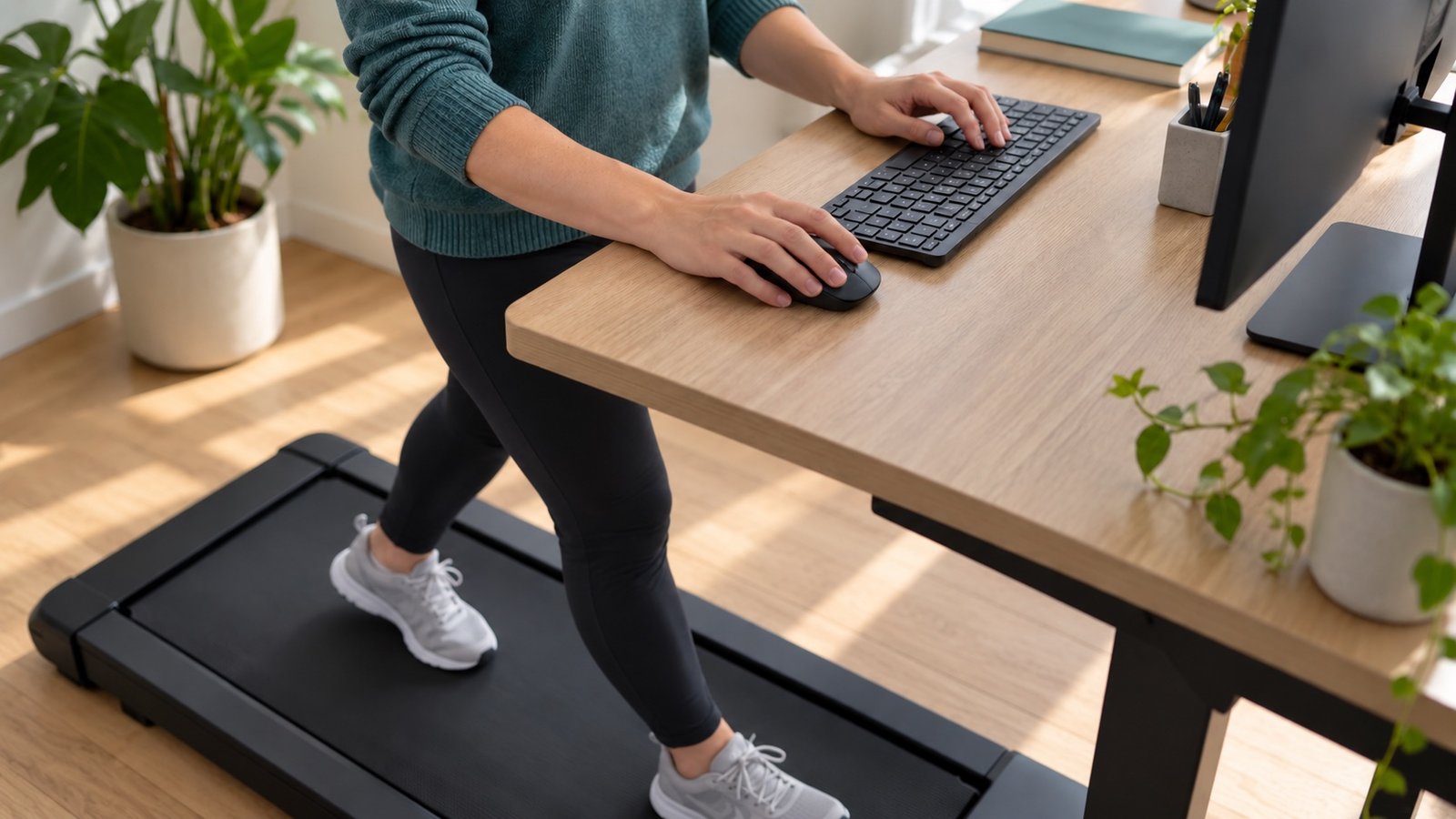


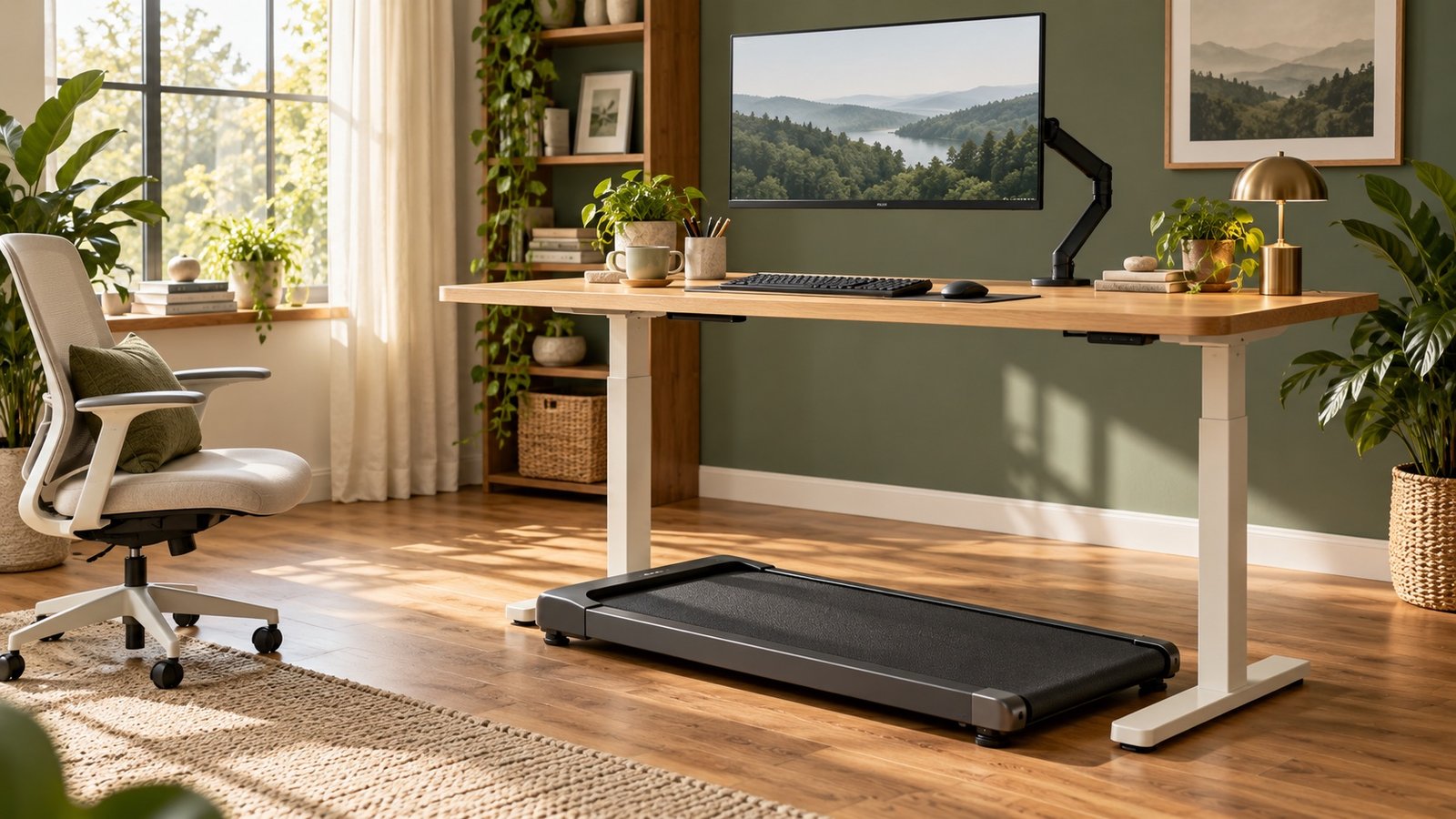
A walking pad can make light movement easier during desk work, provided the workstation fits you and the task fits walking. Start by checking the room and desk, learn the controls without working, and try a short session during a low-stakes task. You do not need to walk through an entire workday or chase 10,000 steps.
This guide is for adults considering an under-desk treadmill or trying to make an existing one useful. It brings together our setup, speed, routine, noise, and tracking guides so you can solve one problem at a time. We have not tested or ranked specific machines; the worksheets and examples are editorial tools, with source guidance linked where it applies.
Choose the guide that matches your next decision
| Your question | Start here | What you will leave with |
|---|---|---|
| Will my desk and room work? | Walking-pad desk setup | A measurement sheet and a practical fit check |
| How fast should I walk while typing? | Walking-pad speed while working | A task comparison test, with mph and km/h conversions |
| How do I begin without doing too much? | A beginner desk-walking routine | A flexible two-week trial and a simple activity log |
| Will it bother my downstairs neighbor? | Walking-pad noise in an apartment | A listening checklist and maintenance decision guide |
| Why does my watch miss my steps? | Step-count troubleshooting | Manufacturer-based checks for wrist trackers |
| How much time does my step goal need? | Walking time and 10,000 steps | A calculation using your own measured cadence |
What a walking pad can realistically do
Its practical advantage is convenience: a short indoor walk can fit around weather, daylight, and a home-working schedule. That convenience is only useful if the machine is accessible, the belt feels manageable, and you can stop promptly. A pad that takes ten minutes to uncover and move may be a poor match for a five-minute break.
Desk walking is not automatically a replacement for exercise. CDC guidance includes at least 150 minutes of moderate-intensity activity and two muscle-strengthening days each week. A very slow typing session may be light activity; do not count every minute as moderate exercise simply because the belt is moving. The CDC's intensity guide explains the distinction.
It also cannot promise a particular calorie deficit, weight change, or productivity gain. Treat the first goal as a usable habit: did you add movement while keeping your work accurate and your footing comfortable? Those are more informative first-week questions than the calorie estimate on a display.
Before buying: five checks that prevent a poor fit
1. Measure the usable workstation, not just the room
Desk legs, crossbars, drawers, and the position of your keyboard can interfere even when a product's overall width appears to fit. Include the operating clearances in its manual. Then measure the storage route and place: a folding machine still has weight and dimensions when folded. See the desk-fit worksheet before comparing accessories.
2. Check the exact model's controls and support
Minimum speed matters more than maximum speed for desk work. Check how to start, stop, and change pace, and whether a support rail is available if you need one. WalkingPad's manufacturer FAQ explains that speed-control modes, handrails, and approved storage positions vary between models. The same caution applies when comparing other brands: obtain the exact manual, not a generic marketplace description.
3. Separate desk height from screen height
The deck raises your body above the floor. A desk that is adequate for stationary standing may no longer be tall enough for typing on the pad. Set the keyboard for relaxed arms first, then adjust the screen independently. OSHA's neutral-position guidance is a useful starting reference for your arms and shoulders; it does not certify a moving workstation as safe.
4. Consider the people sharing the space
Your microphone, the adjacent room, and the room below may hear different things. Before committing to long sessions, agree on a brief test with the people affected. A product described as quiet can still be unsuitable for a particular floor or work call. Our apartment-noise guide explains what to listen for.
5. Compare the whole setup cost
Write down the machine, any suitable desk adjustment, separate keyboard and mouse if needed, approved floor protection, delivery, and return logistics. Check whether you can actually move the machine to its storage location. Do not buy an app or new watch until you know what data your existing equipment records.
Your first-use sequence
- Read and keep the manual. Follow its placement, footwear, power, start/stop, maintenance, and user-capacity instructions. Keep children and pets away from the moving belt and controls.
- Set up with the belt stationary. Check reach, room clearance, and cable routing. Make the stop control easy to reach without twisting or looking down for it.
- Learn walking before adding work. Use the lowest comfortable permitted setting and practice stopping. Stop the belt before getting off or reaching outside your normal working area.
- Add one simple task. Try reading a familiar document or sorting a few non-urgent messages. Save precision work for sitting or stationary standing.
- Record what happened. Note minutes, speed units, task, comfort, and corrections needed. Repeat the setup before changing several variables.
If you feel unsteady, dizzy, or in pain, stop. If balance, mobility, or a health condition affects walking, ask your treating professional whether this type of equipment suits you. A desk is not a substitute for a required support rail.
Match the task to the walking session
A task can be mentally easy but physically awkward: a spreadsheet may require precise clicking even if the calculation is simple. Reading a document might tolerate movement, but proofreading small punctuation might not. Judge the actual work rather than assigning one speed to a job title.
A small study of typing at different walking speeds found that performance varied across conditions. It cannot establish one ideal speed for every person, machine, or task. The useful response is to compare a short seated task with the same kind of task while walking, then keep the easier setup. Our speed guide includes a repeatable comparison.
Build a habit around minutes before chasing steps
Start with a work cue you already have, such as opening a routine reading queue. End the session at a planned point, even if the display seems modest. After several comfortable attempts, add a few minutes or another short session; do not increase duration and speed together.
A useful first-week log might read: Tuesday, 11:15 a.m. — six minutes — 0.8 mph — reading draft notes — comfortable, no typing attempted. This is a hypothetical entry, not a starting requirement. The beginner routine gives alternatives for busy days and missed sessions.
Common questions
Can I use a walking pad without a standing desk?
You can walk separately from the computer if the equipment and room are suitable. For work at a computer, you need a stable surface at a usable height. A normal seated desk and an improvised stack of boxes are unlikely to provide that. You can also take ordinary walking breaks without buying equipment.
Should I walk during every video meeting?
No. Try a low-stakes call first and review a local microphone recording. Stop for tasks requiring close attention, screen sharing, precise interaction, or a steady camera image. Do not record or share other people's calls without their consent.
Is a walking pad the same as a treadmill?
It is a type of treadmill commonly designed for compact, slower walking use. Features differ. A machine designed only for walking should not be used for running, and a folding handrail changes neither the manual's speed limits nor its safety requirements.
Sources and editorial notes
Researched on October 6, 2026. This is a practical research-based guide, not a hands-on product review or individualized exercise program. We distinguish source guidance from our own worksheets and examples. Read our editorial policy or send a correction.
- CDC: Adult activity overview
- CDC: Measuring activity intensity
- OSHA: Neutral working positions
- WalkingPad: Model-specific controls, fit, and storage guidance
- Funk and colleagues, 2012: Walking speed and typing performance
Explore the walking-pad desk guide
Choose the next question you want to solve:
- How Long Does It Take to Walk 10,000 Steps on a Walking Pad?
- Walking Pad Beginner Routine: A Flexible Two-Week Start
- Walking Pad Desk Setup: Measurements, Height and Clearance
- Walking Pad Noise in an Apartment: What to Check First
- Walking Pad Not Counting Steps? Fixes for Apple Watch and Garmin
- Walking Pad Speed While Working: Find a Pace That Fits Your Task
- Walking Pad vs Treadmill: Which Should You Buy for Home?