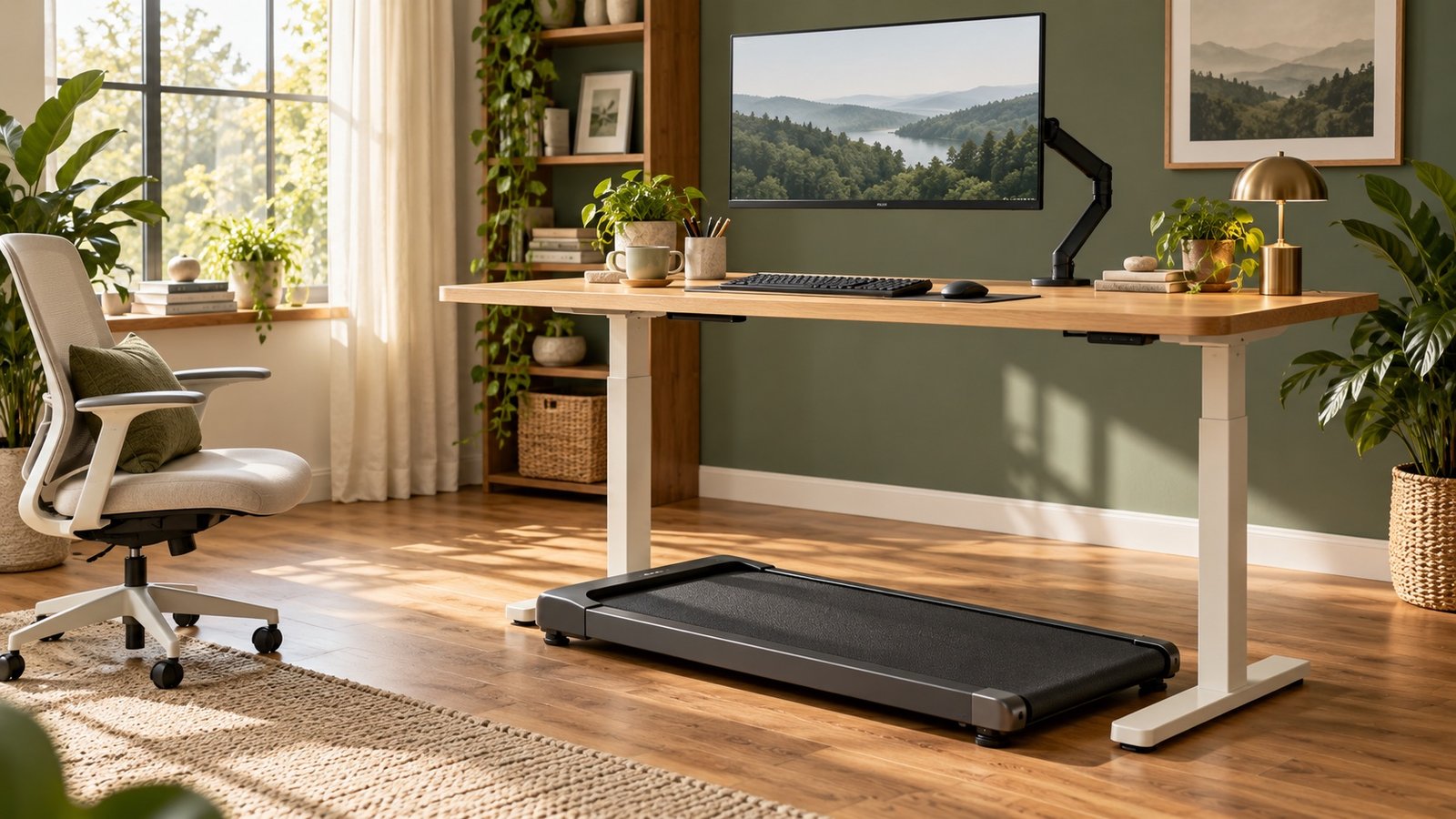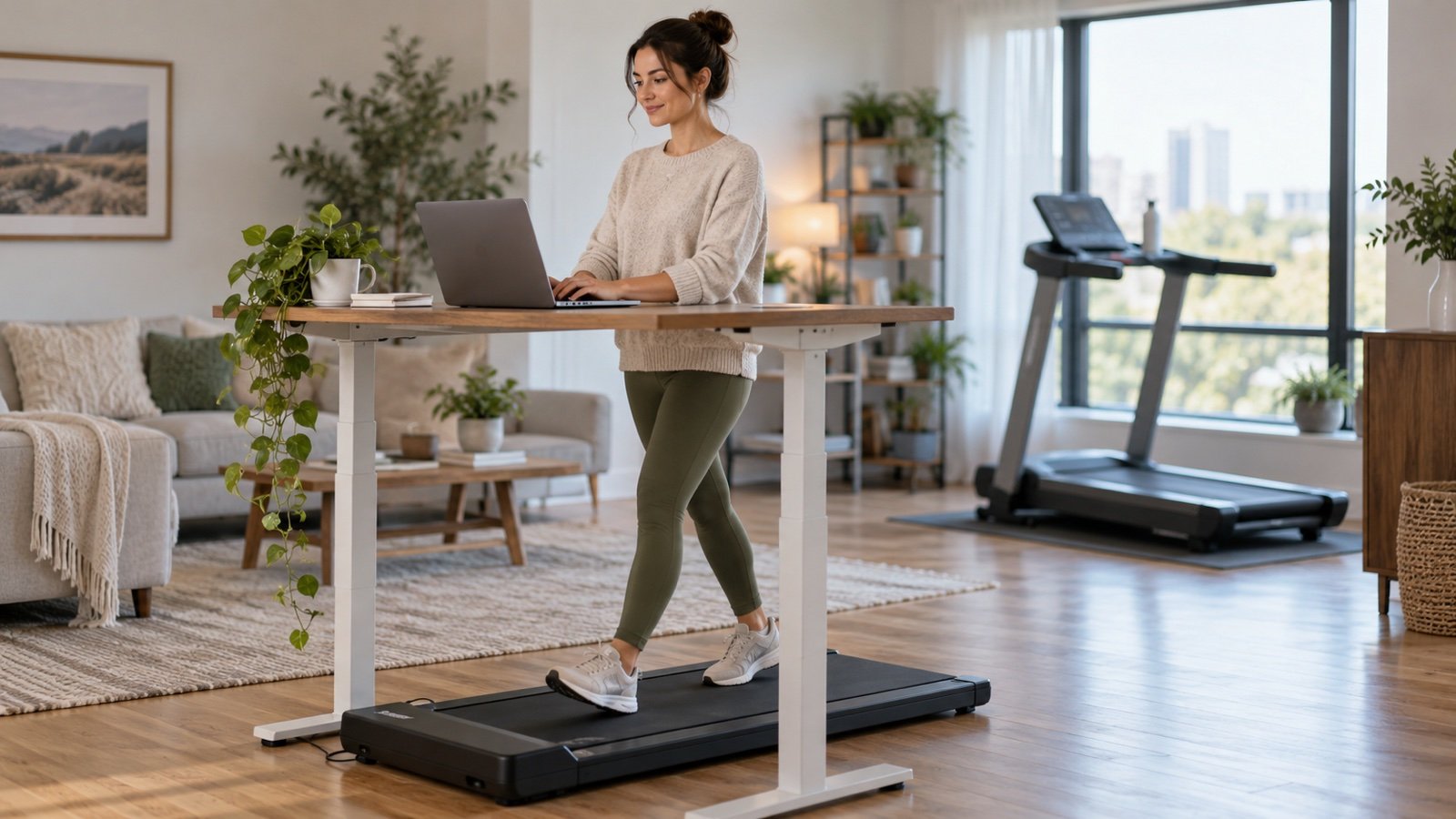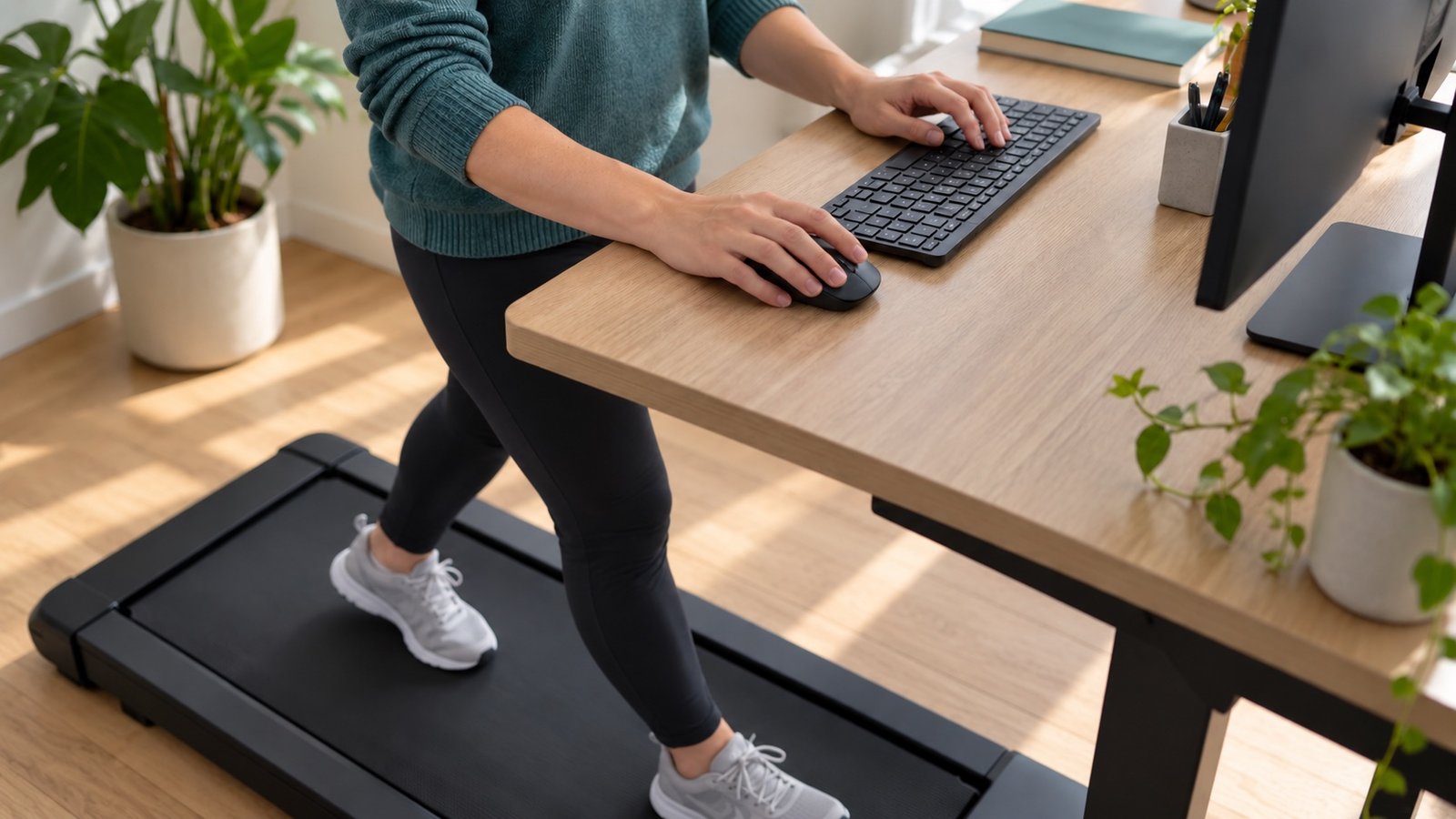


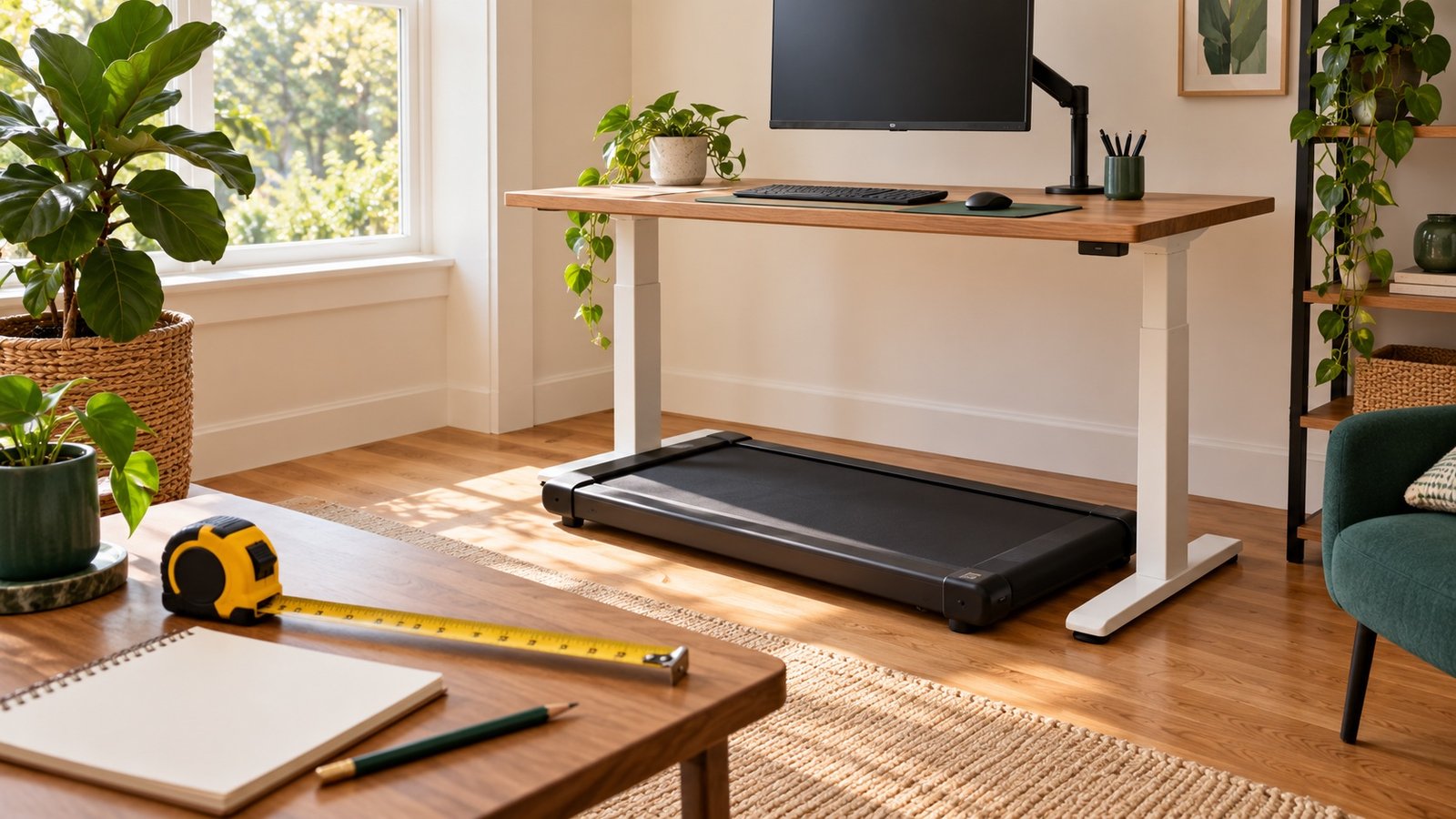
Set a walking-pad desk by your keyboard height while standing on the stationary deck, then adjust the screen separately. Before switching on, check that the pad fits between the desk supports, the manual's clearances are available, and cables cannot cross the belt or your exit route.
The measurement worksheet below helps you find the problems a product-width measurement misses. It is an editorial planning aid, not an ergonomic assessment. You can use inches or centimeters, but keep the same units throughout.
Measure these before buying or moving furniture
| Measurement or check | Your result | Why it matters |
|---|---|---|
| Keyboard key surface at your comfortable stationary standing height | _____ inches / cm | Your hand position, not your eye height, sets the starting point |
| Pad's walking surface height above the floor | _____ inches / cm | The deck raises your body; overall machine height may describe its motor housing |
| Suitable mat thickness, if the manual allows it | _____ inches / cm | Another contribution to your effective standing height |
| Highest stable usable keyboard position | _____ inches / cm | Include the keyboard itself and any tray, not just the advertised desktop height |
| Clear space between legs, braces, and drawers | _____ wide × _____ deep | Compare with the unfolded machine, not just its walking belt |
| Operating clearances from the exact manual | Front _____ / rear _____ / sides _____ | The machine footprint is not its complete operating area |
| Stop control accessible and exit route clear | Yes / change needed | You should not have to reach over objects or step into a chair |
| Safe cable route at both sitting and walking desk heights | Yes / change needed | Raising the desk can pull a cable that looked safe when seated |
Measure in the footwear you intend to use. If you measure your standing keyboard height wearing those shoes, do not add their height again. Record the exact model and manual revision alongside your notes so a later product substitution does not inherit the wrong dimensions.
Open the plain-text desk measurement worksheet to save, copy, or print before comparing equipment.
A useful height calculation, with a worked example
Starting walking keyboard height = comfortable standing keyboard height + deck height + approved mat thickness. This is a geometric estimate to narrow the adjustment range; verify the result with the belt stopped. It is not a universal prescription based on your body height.
For example, suppose your stationary keyboard surface is comfortable at 42 inches, the walking surface is 4 inches above the floor, and an approved firm mat adds 0.25 inch. The estimated keyboard surface is 46.25 inches. A setup whose highest usable keyboard surface is 45 inches fails this initial comparison, even if the walking pad fits underneath. These numbers are hypothetical, not specifications for any named machine.
Do not solve a height shortfall by placing the treadmill on blocks or propping up the desk with loose objects. Use a stable configuration within the furniture and equipment instructions. If you cannot get a usable fit, walk away from the computer instead.
Adjust the hands first
With the pad switched off, position yourself where you would normally walk. Reach the keyboard without stretching forward or lifting your shoulders. Keep the mouse beside it so you do not have to twist to use it. Check that a keyboard tray, desk edge, or drawer cannot obstruct your movement.
OSHA's neutral-position reference describes relaxed shoulders, elbows near the body, and wrists aligned with the forearms. Its keyboard guidance also emphasizes comfortable height and reach. These are workstation principles; they do not mean walking will suit every task.
If the desk moves when you type, resolve its stability before adding a moving belt. A tall desk can feel different from the same desk at sitting height. Confirm that any monitor arm and keyboard accessory stay within the desk manufacturer's capacity and assembly instructions.
Adjust the screen independently
Once the keyboard is usable, place your main screen in front of you. OSHA recommends the top of the screen at or below eye level and a readable viewing distance, generally 20–40 inches (50–100 cm). Increase text size instead of leaning toward tiny print. People using bifocals may need a lower screen to avoid tilting their head back.
A laptop joins the screen and keyboard, making independent adjustment difficult. A stable screen support plus a separate keyboard and mouse can address that conflict. Raise the screen without raising the hand controls beyond their usable position. Check the view from both your walking and sitting positions.
You do not need to stare rigidly at one point. The practical test is whether you can read without leaning, craning your neck, or wandering toward an edge of the belt. Stop the session if you cannot maintain comfortable footing while viewing the screen.
Check the floor, clearance, and cables
The manufacturer's fit guidance distinguishes unfolded dimensions, operating clearance, and storage size. Use the clearances in your own manual rather than copying a generic “two feet behind” rule from another model. Leave the approved area unobstructed whenever the machine is operating.
Floor compatibility is also model-specific. WalkingPad's carpet support note warns about airflow and carpet interference and recommends an equipment mat for its described setup. That advice does not authorize every machine on every carpet. A thick soft pad, multiple stacked mats, or blocked ventilation can create a different problem.
- With power disconnected as the manual directs, inspect the intended cable path.
- Check its slack while adjusting the desk through the positions you will use.
- Route it away from the walking surface, rolling chair, and clear exit area.
- Keep the remote or supported stop control where you can reach it naturally.
- Keep children and pets out of the operating area, including while you are concentrating on work.
Run a fit test before a work session
- Check reach and screen position on the stationary deck.
- Learn the machine's start and stop process without reading or typing.
- Try a short walk at its lowest comfortable permitted setting.
- Add a familiar reading task only if your footing is steady.
- Try a few lines of typing, then stop and review both comfort and accuracy.
- Stop the belt before getting off or changing equipment positions.
For choosing the pace, use our walking-pad work-speed test. If the work requires repeated precise mouse clicks, save it for sitting or stationary standing. If a shared floor is the concern, use the apartment listening checklist before extending the session.
Troubleshoot the setup by the symptom
| What you notice | Check first |
|---|---|
| Raised shoulders when typing | Keyboard height and reach with the belt stopped |
| Leaning forward to read | Screen distance, text size, and alignment |
| Mouse work makes you twist | Mouse placement next to the keyboard |
| Desk or screen visibly wobbles | Furniture assembly, usable height, and supported load |
| Changing desk height tugs a cable | Cable slack and routing before powering the pad |
| You drift on the belt despite adjustments | Stop desk walking; reassess the equipment and suitability |
Common questions
Can a desk converter work instead of a whole standing desk?
Possibly, if its stable usable height, depth, supported load, and separate screen arrangement fit the complete setup. Check all measurements in the worksheet. A converter that raises only the laptop can leave the keyboard unusable.
Should I buy a mat before measuring?
First check the machine's floor and ventilation instructions. If a mat is appropriate, account for its thickness in the height estimate. A mat does not fix inadequate clearance or unstable furniture.
Sources and editorial notes
Researched October 6, 2026. The calculation, worksheet, and troubleshooting sequence are original editorial aids. They do not diagnose pain or certify a workstation. See our editorial policy.
- OSHA: Working positions
- OSHA: Keyboards
- OSHA: Monitors
- WalkingPad: Fit and clearance guidance
- WalkingPad support: Carpet and ventilation
Explore the walking-pad desk guide
Choose the next question you want to solve:
- Walking Pad While Working: A Practical Desk-Walking Guide
- How Long Does It Take to Walk 10,000 Steps on a Walking Pad?
- Walking Pad Beginner Routine: A Flexible Two-Week Start
- Walking Pad Noise in an Apartment: What to Check First
- Walking Pad Not Counting Steps? Fixes for Apple Watch and Garmin
- Walking Pad Speed While Working: Find a Pace That Fits Your Task
- Walking Pad vs Treadmill: Which Should You Buy for Home?