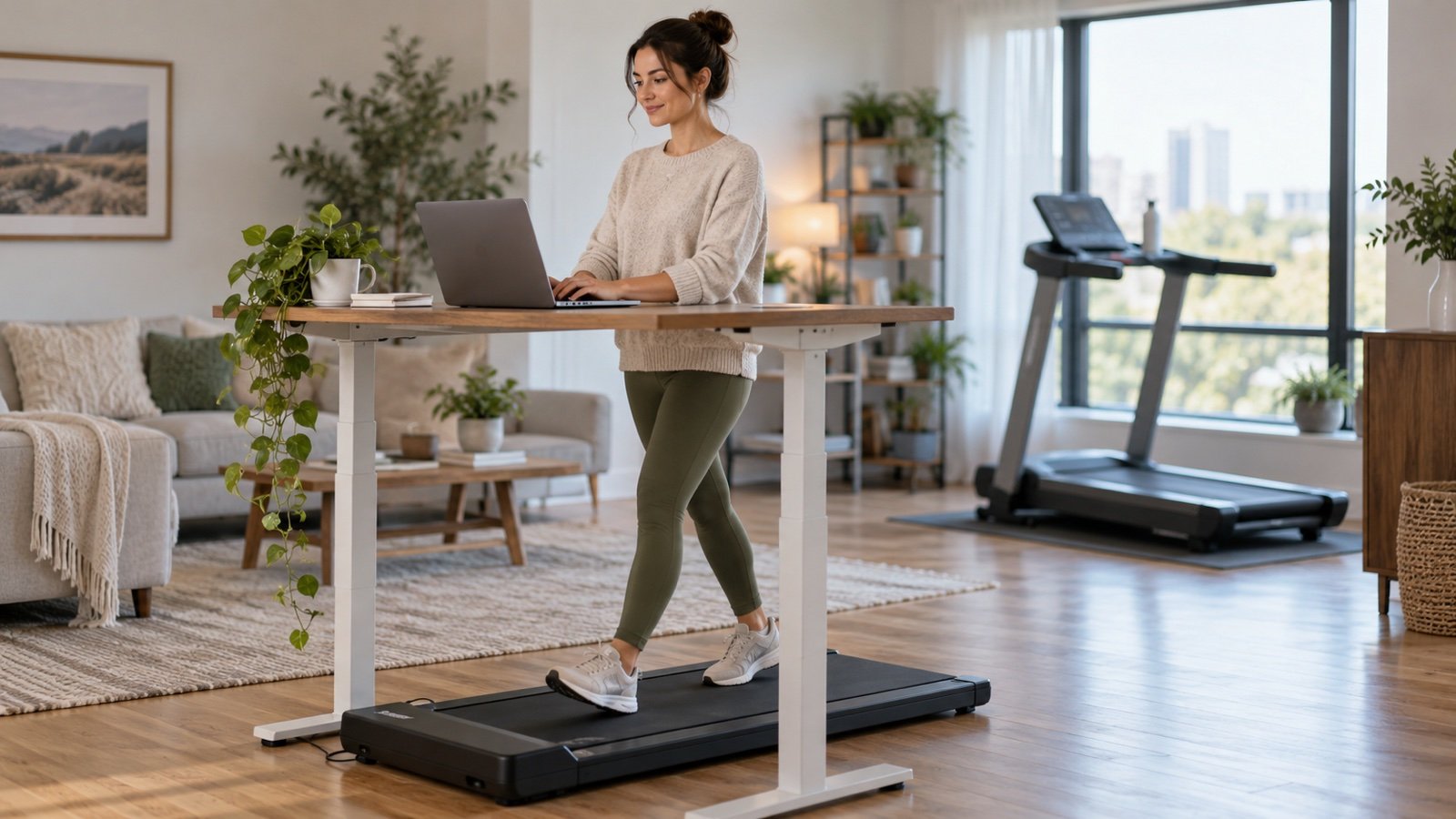


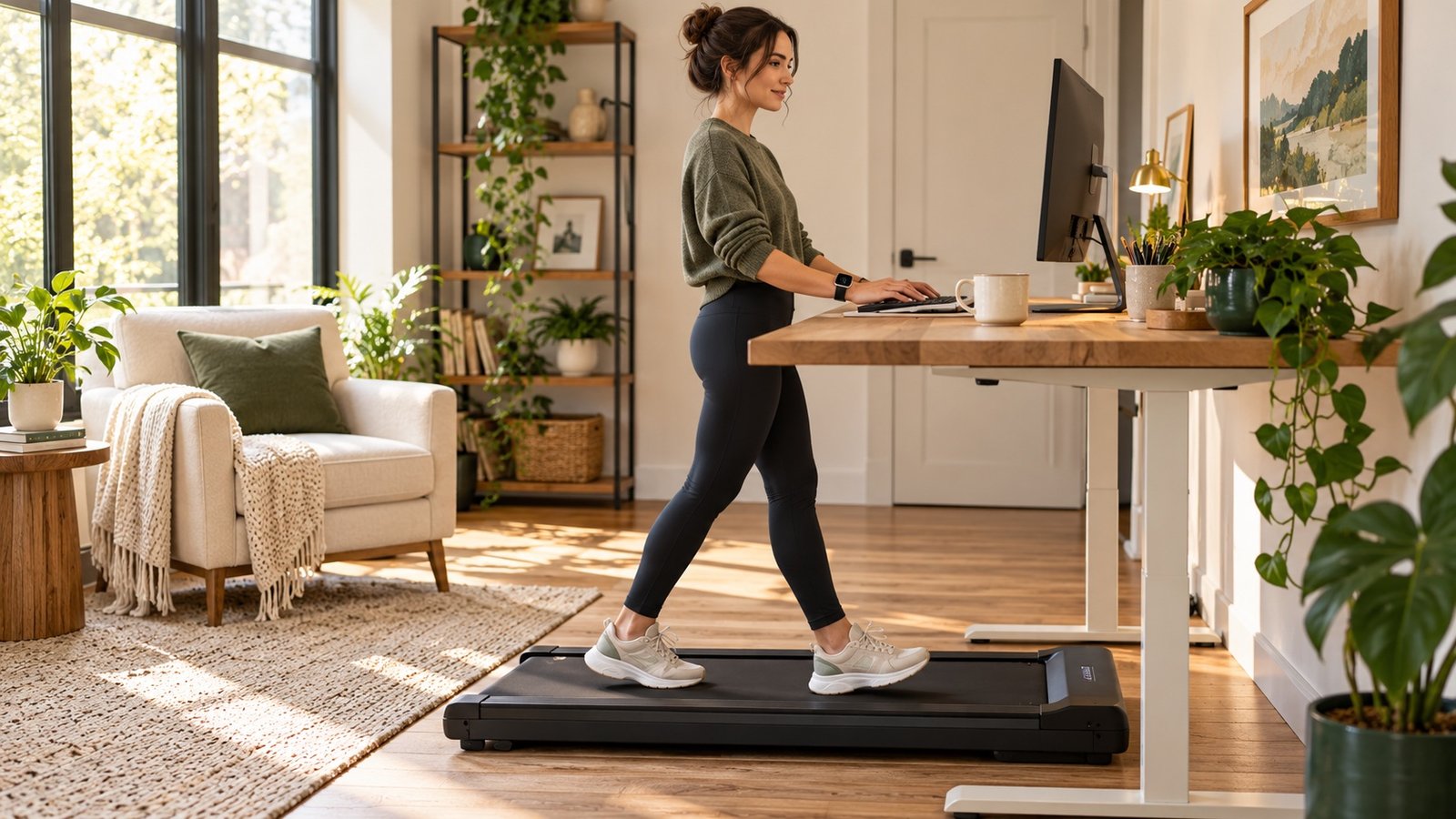
If your watch counts steps outdoors but misses them on a walking pad, the first thing to check is your wrist movement. Typing or resting both hands on a desk can leave your watch almost stationary while your feet keep moving. Starting an indoor workout can help record the session, but it does not guarantee that every step will be counted.
You do not need to buy another tracker immediately. This guide helps you separate a movement-detection problem from a settings or syncing problem, then choose a practical way to track your desk walks.
Why a walking pad can confuse your step counter
Wrist trackers infer steps from motion rather than observing your feet directly. Garmin's step-count troubleshooting guide identifies limited arm movement, including holding treadmill handles, as a reason for missing steps. Samsung also explains that steps may not be recorded when your hands are not moving.
A keyboard is a similar situation: the belt moves, your legs move, but the wrist sensor receives a weaker walking signal. That explanation is an inference from the manufacturers' guidance, not a guarantee about every watch model. Detection varies with the device, software, pace, and how you move.
Also separate the numbers you are comparing. Steps, workout duration, distance, calories, and exercise credit are different measurements. Recording a 20-minute walk does not necessarily repair its step total. A walking pad's distance display is not a direct step count either.
Start with a short comparison test
Use this practical check before changing several settings at once. It is a troubleshooting exercise, not a laboratory accuracy test.
- Note your starting step total. Use the watch's own step screen, and record the time so you can compare the same interval in its companion app.
- Walk away from your desk for about two minutes. Choose a safe, unobstructed route and let your arms move normally. Count your footfalls if you can do so comfortably.
- Check the total again. Give the device time to update. Follow its usual syncing process before comparing the phone app.
- Compare a normal desk session. Walk at your usual comfortable walking-pad speed with your usual hand position. Do not change how you balance just to obtain a better reading.
If the ordinary walk is recorded but the desk walk is missed, stationary-wrist detection is a useful working explanation. If both are missed, check permissions and device settings. If the watch records the walk but the app does not, investigate syncing rather than stride calibration.
| What you notice | First check | Useful next step |
|---|---|---|
| Steps work outside but not while typing | Limited wrist movement | Compare a short walk with your arms moving naturally |
| No steps are recorded in ordinary walking | Tracking permissions or device setup | Follow your manufacturer's step-count troubleshooting guide |
| The watch and app disagree | Syncing, the time interval, or data sources | Sync and compare the same day's records |
| Time is recorded but distance looks wrong | Indoor distance estimation | Use the manufacturer's supported calibration process |
Apple Watch: record the session and check the data
Use Indoor Walk for an indoor walk
Choose Indoor Walk in the Workout app before starting your walking-pad session. Apple recommends selecting the workout that matches the activity. Its measurement guide also distinguishes the Activity app's reliance on arm movement from the additional sensors available during a workout.
Keep the watch comfortably fitted on top of your wrist. Treat the recorded duration as useful information even if the step count remains low. Selecting a workout is not an official promise that a stationary wrist will count every footfall, and an easy desk stroll may not earn the same Exercise credit as a brisk walk.
Check Fitness Tracking and Health data sources
Apple's current Health data instructions explain how to check tracking permissions: open Health, tap your profile, select Devices, choose your Apple Watch, and check Privacy Settings for Fitness Tracking. Menu names can change with software updates.
To investigate conflicting totals, open the Steps category in Health and look at Data Sources & Access. Check which devices or apps contributed records for the session. Health prioritizes overlapping data sources; do not simply add your watch's total to your phone's total. Two totals covering the same walk are not two separate walks.
Calibrate distance without expecting a step-count cure
Apple's calibration procedure uses an Outdoor Walk or Outdoor Run in an open area with good GPS reception, for about 20 minutes at your normal pace. Apple describes improvements to distance, pace, and calorie estimates.
That can be worth doing when indoor distance is inaccurate. It does not remove the underlying problem of a wrist that barely moves at the desk. Start with the comparison test rather than repeatedly resetting calibration data.
Garmin: distinguish missing steps from inaccurate distance
Start the indoor walking or treadmill activity available on your model. Garmin's treadmill activity guidance explains that holding the rails or keeping your arms still can prevent steps from recording and affect the estimated distance.
Some models offer treadmill distance calibration after a qualifying activity. Follow the instructions for your specific watch; do not assume that every model has the same menu or minimum distance. Calibrating a distance estimate and detecting steps are separate issues.
Garmin's step-count guide also says that step data cannot be edited or deleted in Garmin Connect. A manually entered activity should not be assumed to restore a missing daily step total. If you need help, give support your watch model, software version, and the results of the short comparison test.
What if you need both hands on the keyboard?
Choose a tracking method that fits the task. You should not have to interrupt every sentence just to make your watch register movement.
- Track desk walking by minutes. A simple record such as “15 minutes after breakfast, 20 minutes before lunch” is useful for consistency even when steps are incomplete.
- Try your phone in a secure pocket if it already records steps. Apple's Health app supports automatic step tracking from an iPhone. Compare one short session first; a phone on the desk is not moving with your body, and a pocket is not a guarantee of accuracy.
- Separate typing walks from focused walking. A short walk away from the desk lets your arms move naturally and gives your wrist tracker a more typical walking signal.
- Use one consistent measure for progress. Compare desk-walking minutes with desk-walking minutes. Avoid judging today's phone total against yesterday's watch total.
If you use Garmin, do not assume your phone's step count automatically becomes Garmin Connect's daily step count. Different ecosystems handle phone and watch data differently. Check the app's supported sources before relying on a workaround.
For a way to fit short walks around work, our guide to post-meal walks versus one longer walk offers a simple starting schedule.
Workarounds that need caution
Wearing the watch on your ankle is not a universal fix. Advice online often focuses only on steps. Apple specifies wrist placement for its sensors, so an ankle reading should not be treated as a validated heart-rate or calorie measurement. A watch counting more movements does not prove that all its other metrics are accurate.
Likewise, waving your wrist or shaking a device can create activity signals without representing real walking. It makes your personal records less useful. If you manually enter an estimate in an app that permits it, label it as an estimate and check that it will not duplicate existing records.
Use the walking pad according to its manual. If you need a support rail for balance, keep using it; accurate step counting should never take priority over safe footing.
A simple log when the step count is unreliable
For one week, record the start time, minutes walked, whether you were typing, and the device used. Add distance only if you are using the same source consistently. This makes your routine visible without pretending that an uncertain step estimate is exact.
For example: Monday, 10:30 a.m.: 15 minutes on the walking pad while answering email; Indoor Walk recorded; steps incomplete. The next week, you can compare total walking time and how comfortable the sessions felt.
For broader tracking questions, see our Apple Watch and Garmin step-tracking comparison. If you also want movement away from the belt, try the ideas in our desk-break exercise guide.
Common questions
Does a walking pad count as walking if my watch misses it?
Yes. Your feet and body are still moving even when a device fails to record the session. Log its duration rather than treating a missing step total as missing activity. How much it contributes to an exercise goal also depends on the pace and intensity.
Will starting an indoor workout fix all missing steps?
No guaranteed fix applies to every model. It can give you a useful session record, but the stationary-wrist problem may remain. Compare a short session before relying on its step total.
Do I need a separate pedometer?
Try the checks above first. If an exact step goal matters to you, look for a device whose manufacturer supports the position in which you plan to wear it. Keep a time-based log while you decide; buying another wrist tracker may reproduce the same desk-walking limitation.
Sources and further reading
This guide was researched on October 2, 2026 using manufacturer documentation. It does not claim hands-on accuracy testing of particular watches. The comparison test and tracking log are practical editorial suggestions.
- Apple: Get the most accurate measurements using your Apple Watch — sensor use, fit, and workout selection.
- Apple: Calibrate your Apple Watch — supported outdoor calibration procedure.
- Apple: Manage Health data — tracking permissions and data-source priority.
- Garmin: Device not accurately counting steps — limited arm movement and step-data limitations.
- Garmin: Using the treadmill activity profile — arm movement and indoor distance.
- Samsung: Step or floor count is not right — movement-related counting limitations.
Once your counter is reliable, use our walking-pad time guide for 10,000 steps to estimate the minutes needed from your own cadence.
Explore the walking-pad desk guide
Choose the next question you want to solve:
- Walking Pad While Working: A Practical Desk-Walking Guide
- How Long Does It Take to Walk 10,000 Steps on a Walking Pad?
- Walking Pad Beginner Routine: A Flexible Two-Week Start
- Walking Pad Desk Setup: Measurements, Height and Clearance
- Walking Pad Noise in an Apartment: What to Check First
- Walking Pad Speed While Working: Find a Pace That Fits Your Task
- Walking Pad vs Treadmill: Which Should You Buy for Home?